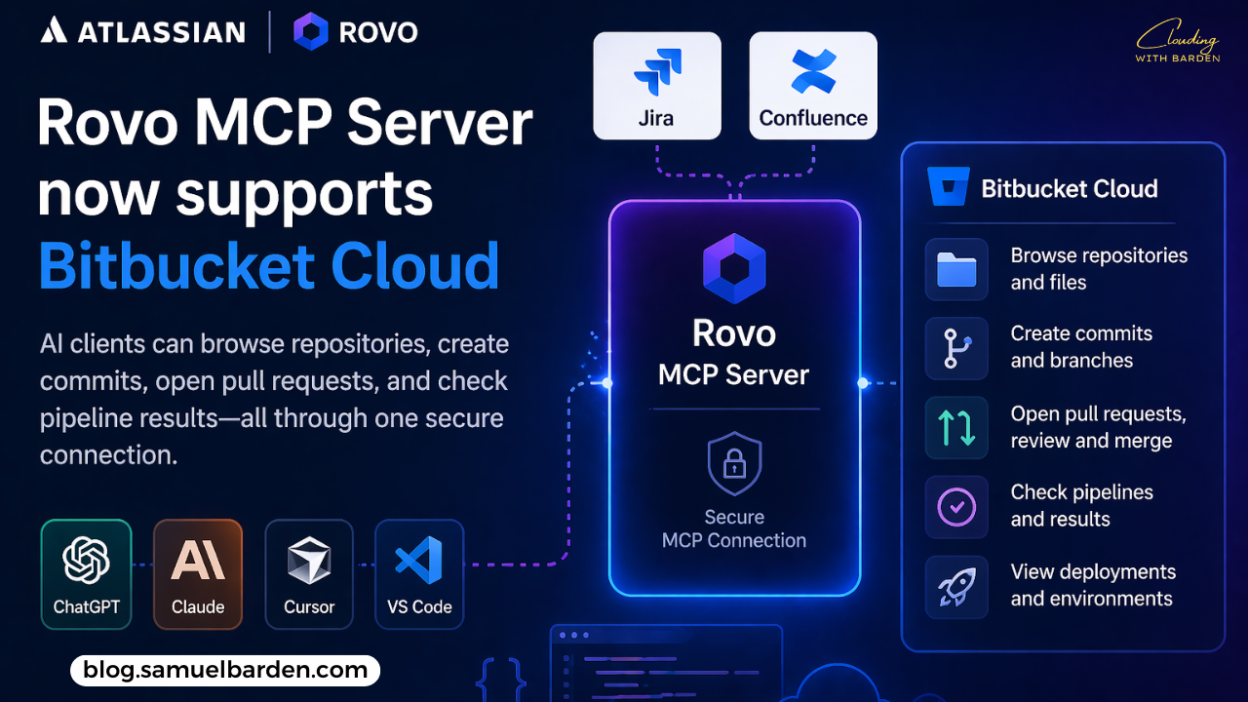
Bitbucket Cloud is now supported in the Atlassian Rovo MCP Server, extending AI-driven workflows beyond Jira and Confluence into source code and CI/CD.
With this update, AI clients such as ChatGPT, Claude, Cursor, and VS Code can interact directly with Bitbucket repositories through a single MCP (Model Context Protocol) connection.
Bringing code into the same AI context
Bitbucket Cloud is where development teams manage:
- source code
- pull requests
- pipelines and deployments
By adding Bitbucket to the Rovo MCP Server, these elements are now accessible alongside:
- Jira issues
- Confluence documentation
This creates a unified context where AI tools can operate across the full development workflow.
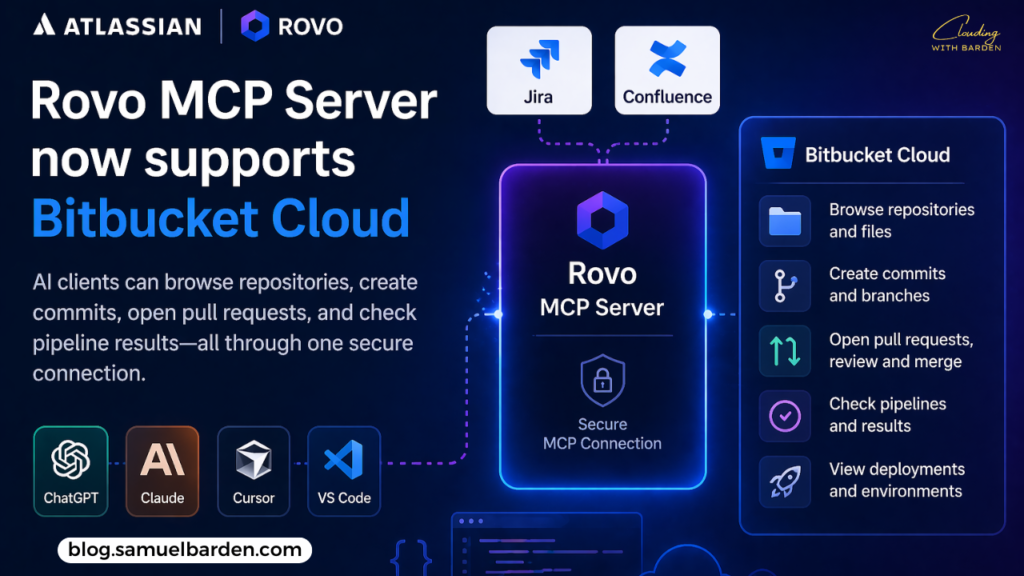
What you can do with it
Workspace and repository access
AI clients can:
- list workspaces and repositories
- browse branches
- read file contents
This allows developers to explore unfamiliar codebases directly through their AI assistant.
Pull request lifecycle
Full pull request workflows are supported, including:
- creating pull requests
- retrieving diffs
- adding comments
- approving and merging
For example, a developer can ask for all open PRs awaiting review and receive actionable results without navigating Bitbucket manually.
Pipelines and deployments
The integration also covers CI/CD visibility:
- list and inspect pipeline runs
- access pipeline steps and logs
- view deployments and environments
This enables faster debugging, especially when identifying failing builds or problematic commits.
Available toolset
The Bitbucket Cloud integration exposes a broad set of capabilities through MCP, including:
- Workspace and repository management
- Pull request operations (create, review, merge, comment)
- Repository content access (branches, commits, files)
- Pipeline execution and inspection
- Deployment and environment management
This provides near-complete coverage of common Bitbucket workflows.
Current limitations
There are a few constraints to be aware of:
- Organization-linked workspaces required
Only workspaces connected to an Atlassian organization are supported - API token authentication only
OAuth is not yet available for Bitbucket in MCP, though it is planned
These limitations are expected to improve as the integration evolves.
Getting started
To enable Bitbucket Cloud support:
- Navigate to Admin Hub → Rovo → MCP Server
- Enable API token authentication
- Connect using a supported MCP client (ChatGPT, Claude, Cursor, VS Code, etc.)
Once configured, Bitbucket tools become available alongside Jira and Confluence capabilities.
What’s next
Atlassian has outlined several upcoming improvements:
- OAuth support for Bitbucket
To align authentication with Jira and Confluence - Expanded tool coverage
Additional Bitbucket capabilities based on user feedback
Final thoughts
This update is less about adding new functionality to Bitbucket itself and more about how teams interact with it.
By exposing repositories, pull requests, and pipelines through MCP, Atlassian is moving toward a model where AI tools can operate across the entire development lifecycle—from planning to deployment—without switching contexts.
That shift is likely to have a larger impact over time than the individual features themselves.
Stay Clouding!