
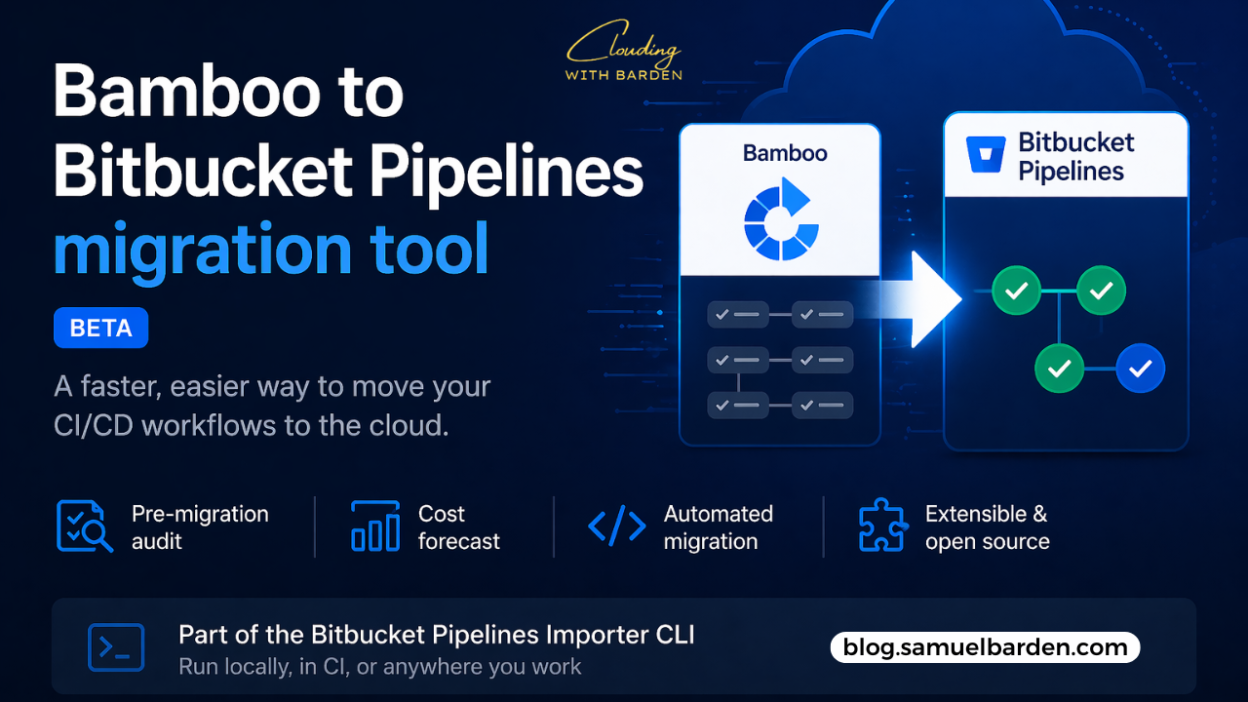
Bitbucket has introduced a new migration tool designed to help teams move from Bamboo Data Center to Bitbucket Pipelines.
With Bamboo Data Center scheduled for end of life on March 28, 2029, this release provides a clearer path for teams planning their transition to cloud-based CI/CD.
The context: Bamboo’s end of life
While 2029 may seem far away, migrations of CI/CD systems are rarely simple.
They involve:
- critical build pipelines
- deployment workflows
- custom plugins and integrations
Waiting too long often increases risk, especially for teams with deeply customized environments.
This tool is designed to reduce that risk by automating the more complex parts of the migration process.
Why Bitbucket Pipelines
The shift from Bamboo to Bitbucket Pipelines reflects a broader move from self-managed CI infrastructure to fully managed cloud pipelines.
Bitbucket Pipelines offers:
- Elastic scaling
Builds run immediately without waiting for available agents - Reduced operational overhead
No infrastructure to maintain, patch, or upgrade - Lower cost at scale
Atlassian estimates up to 70% reduction in total cost of ownership by removing on-premise overhead - Centralized governance
Organization-level controls help enforce standards across repositories
For teams currently managing Bamboo servers and agents, this represents a significant operational shift.
How the migration tool works
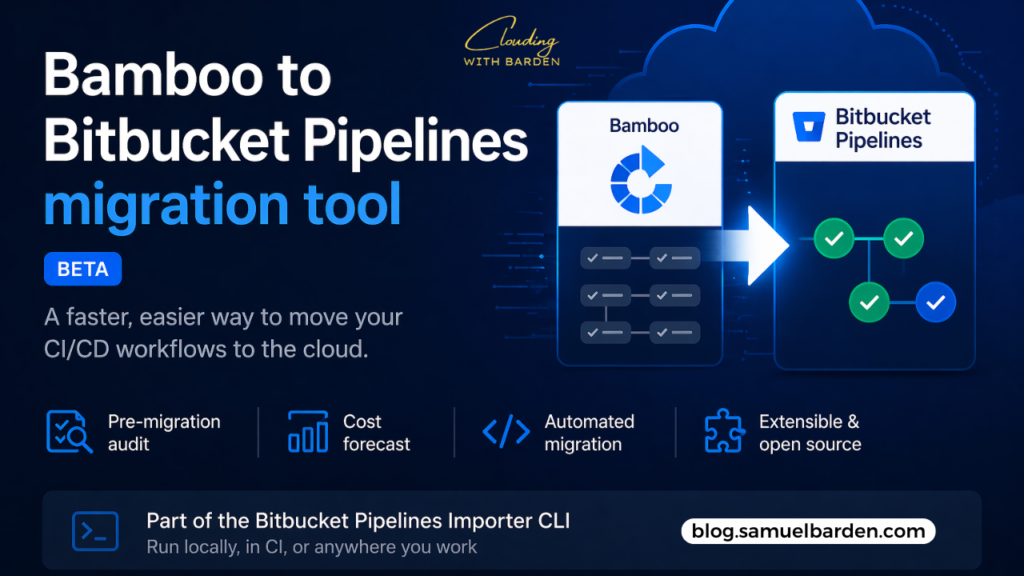
The Bamboo migration tool is part of the Bitbucket Pipelines Importer, a CLI that can run in different environments, including local machines and CI systems.
It focuses on automating key parts of the migration process.
1. Pre-migration audit
The audit command scans your Bamboo environment and generates a readiness report.
It identifies:
- complex configurations
- unsupported plugins
- potential migration challenges
This helps teams understand what needs attention before starting the migration.
2. Cost forecasting
The forecast command estimates future CI/CD costs in Bitbucket Pipelines.
It also recommends appropriate runner sizes based on your workloads, helping teams plan for performance and cost efficiency ahead of time.
3. Migration
The migrate command converts Bamboo YAML plans into Bitbucket Pipelines syntax.
This reduces the amount of manual rewriting required and accelerates the transition process.
4. Extensibility
Bamboo environments often include custom or home-grown plugins.
To account for this, the migration tool is open source and designed to be extended.
Teams can add custom logic to handle specific requirements that aren’t covered out of the box.
Getting started
To begin using the migration tool:
- Access the tool from Atlassian’s open-source repository
- Follow the official migration guide, which covers setup, execution, and best practices
The CLI-based approach makes it suitable for both small migrations and large-scale transitions across multiple projects.
Final thoughts
This tool doesn’t eliminate the complexity of migrating from Bamboo—but it does reduce a significant portion of the manual effort.
More importantly, it signals a clear direction.
Atlassian is steadily moving CI/CD workloads toward Bitbucket Pipelines, and this tool provides the bridge for teams to get there with less friction.
For teams still running Bamboo, the question is less about if they will migrate, and more about when and how prepared they are to do it.
Stay Clouding!