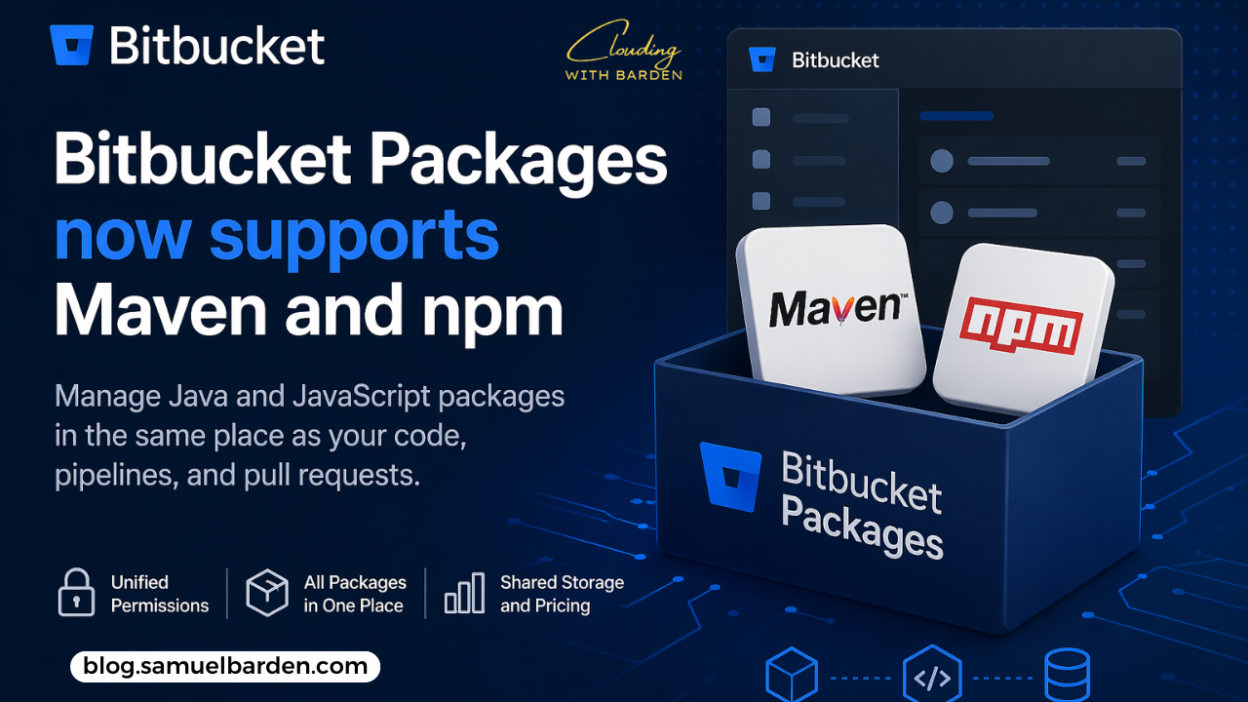
Bitbucket has expanded its Packages feature to support Maven and npm, bringing Java and JavaScript package management into the same platform where teams already manage their code, pull requests, and pipelines.
This builds on the earlier release of Bitbucket’s container registry and continues a clear effort to reduce the number of separate tools teams need to manage artifacts.
Why this update was needed
When container registry support was introduced, it addressed a specific need—managing container images within Bitbucket.
But for most teams, containers are only part of the workflow.
JavaScript and Java projects still rely heavily on npm and Maven, and those packages typically live in separate registries. That creates a fragmented setup where different artifact types are managed in different systems.
That fragmentation leads to a few common issues:
- Duplicated permissions
Teams often have to recreate access controls in multiple tools, even when those permissions already exist at the repository level. - Broken workflows
Developers move between systems to publish, install, or manage packages, which adds friction and increases the chance of misconfiguration. - Additional cost and overhead
Each extra tool introduces its own billing model and administrative burden.
This update is aimed at reducing those gaps by bringing npm and Maven packages into Bitbucket itself.
What’s included
Publishing and installing packages
Teams can now publish and install Maven and npm packages directly through Bitbucket Packages.
The process works with existing tools:
- npm and Yarn for JavaScript
- Maven and Gradle for Java
Authentication is handled using an Atlassian API token.
For teams using Bitbucket Pipelines, built-in environment variables such as:
BITBUCKET_PACKAGES_USERNAMEBITBUCKET_PACKAGES_TOKEN
can be used directly for authentication, which simplifies CI/CD integration.
Unified permissions
Each package is scoped to a Bitbucket repository.
This means repository permissions (Admin, Write, Read) automatically apply to associated packages. There is no separate access control layer to configure or maintain.
This removes the need to duplicate permission setups across different systems.
Visibility and management
Packages can be viewed and managed directly within Bitbucket.
They are accessible from:
- workspace level
- project level
- repository level
From the Packages interface, teams can:
- browse available packages
- inspect versions
- delete unused artifacts
This makes it easier to keep storage under control and avoid unnecessary accumulation of outdated versions.
Pricing model
Maven and npm packages are included under the existing Bitbucket Packages feature.
Storage and network usage are shared across:
- container images
- Maven packages
- npm packages
Plan limits are as follows:
| Standard | Premium | |
| Included Storage | 1 GB | 2 GB |
| Storage Overage | $0.35 per GB/mo | $0.35 per GB/mo |
| Included Network Traffic | 5 GB | 7 GB |
| Network Overage | $0.70 per GB/mo | $0.70 per GB/mo |
At the moment, Packages are only available on monthly Standard and Premium plans. Annual plan support is planned but not yet available.
Getting started
To use Bitbucket Packages:
- Your Bitbucket workspace must be connected to an Atlassian organization
- You must be on a paid monthly plan (Standard or Premium)
- Personal workspaces are not supported
Once set up, the Packages tab becomes available within the workspace, project, and repository navigation.
If container registry support is already enabled, Maven and npm registries are immediately available within the same interface.
What’s coming next
Atlassian has outlined several upcoming improvements:
- Additional language registries
Support for PyPI and NuGet is planned - Immutable tags
Preventing overwrites to improve reliability in deployments - Per-type usage breakdowns
More detailed visibility into how storage and network usage are distributed across package types
Final thoughts
This update extends what Bitbucket already started with container support.
The main impact is consolidation.
Instead of managing multiple registries for different package types, teams can now handle containers, Maven artifacts, and npm packages within the same platform, using the same permissions and workflows.
For teams already working in Bitbucket, that reduces duplication, simplifies access control, and keeps more of the development process in one place.
Stay Clouding!